Build Guide
Beginner Window Node
The fastest possible first MilkMesh node with no tools and very little risk
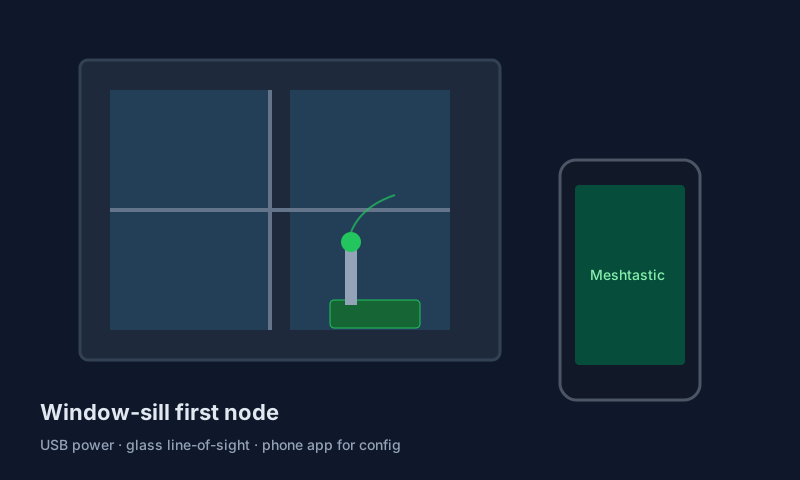
This is the lowest-friction way to get on the mesh. You are not building infrastructure yet. You are proving that the firmware, radio, phone app, and placement all work together in your actual home.
Hardware Selector
Heltec WiFi LoRa 32 V3
A reliable first board with wide Meshtastic support and easy flashing.
LILYGO T3-S3
Use this if you already know you want WiFi-heavy workflows or store-and-forward later.
Phone charger you already own
Any clean 5V USB adapter usually works fine for a window node.
6ft USB-C cable
Buy enough cable length to place the node near the best glass, not just near the closest outlet.
Best window
Pick the window with the most open sky or the least dense obstruction, even if it is not your favorite room.
Windows to avoid
Metalized tint, foil-backed insulation, and windows facing another wall at close range all reduce the value of the test.
Suction-cup or small stand
Keeps the board upright and makes repeat placement testing easier.
Step-by-Step Build
Flash the firmware
Use flasher.meshtastic.org, pick the correct board, and complete one clean flash before touching any settings.
Attach the antenna first
Do not power the radio without an antenna connected. That is one of the few easy ways to damage a beginner board.
Pair and label the node
In the Meshtastic app, set the region to US, give the node a long name, and confirm it reconnects after a reboot.
Test two or three windows
Spend ten minutes moving the node between candidate windows. A good test location now saves money later.
Why This Guide Exists
Learn the app first
If you cannot reliably flash, pair, and rename one indoor node, you are not ready for a rooftop or solar deployment.
Learn the antenna rule
The antenna is not an optional accessory. It is part of the radio system.
Learn placement discipline
Indoor testing teaches how walls, glass, and orientation change coverage before you spend money on weatherproof hardware.
Exit Checklist
- The board flashes successfully with no mystery steps.
- The node reconnects in the mobile app after reboot.
- The antenna is snug and not cross-threaded.
- You tested more than one window location.
- You know whether your next upgrade should be outdoor, mobile, or multi-node.
Quick Check Questions
What is the one thing you should never skip?
Attaching the antenna before power-up.
What are you optimizing here?
Reliable setup and decent placement, not maximum theoretical range.